
EIBOS 2
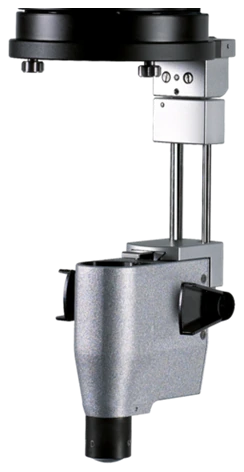
Wide-angle fundus viewing accessory for a compatible operating microscope.
Wide-angle fundus viewing through a surgical microscope.
Key advantages
The documented strengths of EIBOS 2, at a glance.
Non-contact wide-field viewing
Wide-angle fundus viewing through a surgical microscope.
Compatible microscope required
Integrated image inverter
Focus and image inverter integrated in one system.
Manual focus adjustment
Side levers allow manual adjustment of the focus.
Capabilities in practice
A closer look at the functions and technology of EIBOS 2.
View the fundus without contact
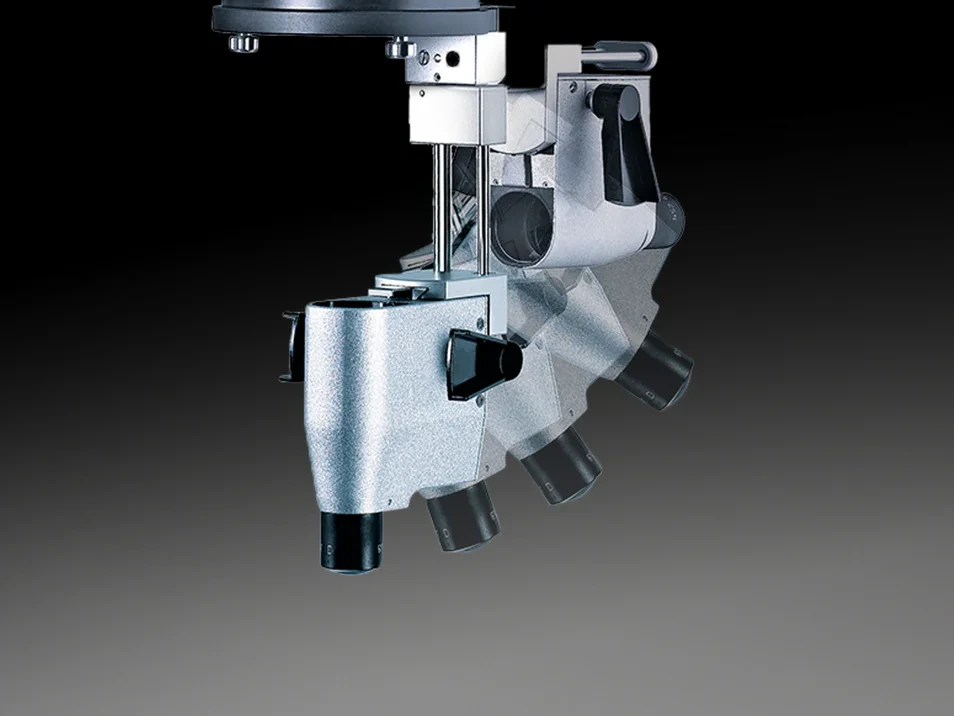
EIBOS2 is a wide-angle retinal-surgery viewing system with integrated focus and inverter. It complements a compatible surgical microscope.
View source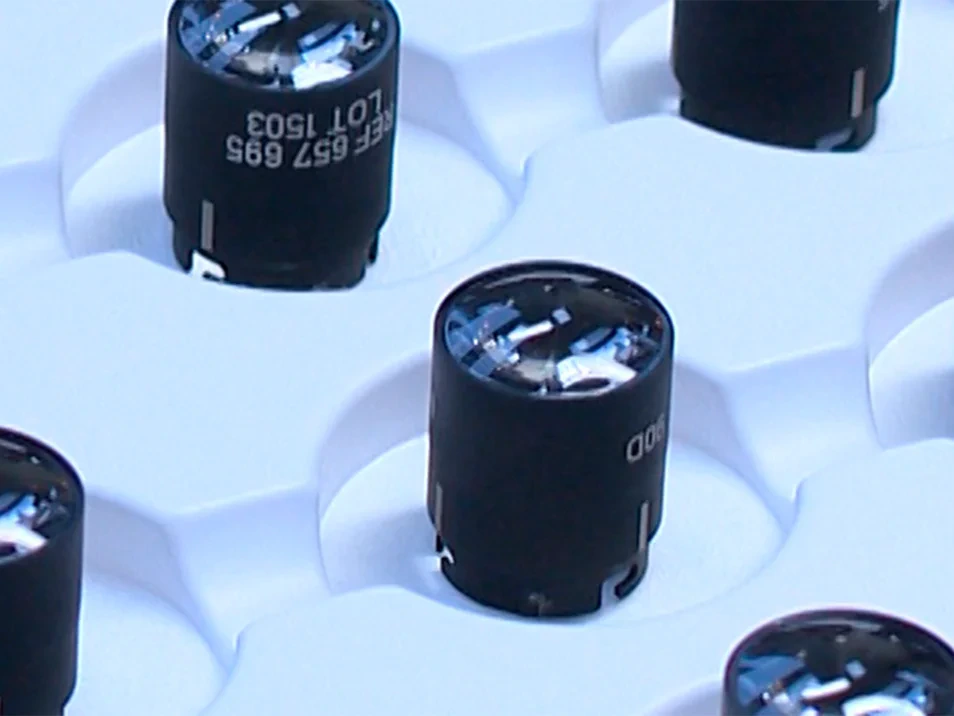
Distinguish viewing lenses
The manufacturer describes a 90D lens for macular procedures and SPXL132D for a wide 124° view. These optics do not describe a single supplied configuration.
Confirm lenses and configuration.
View sourceDesigned for a smoother workflow
Focusing at your fingertips
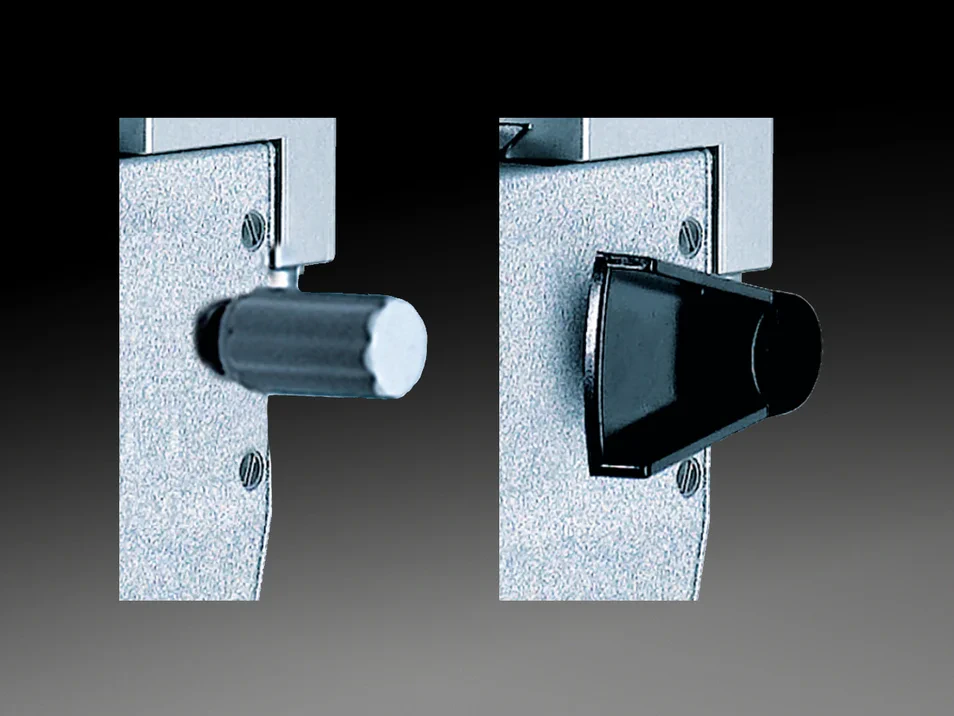
The focusing mechanism and inverter are integrated into the viewing system. Focusing levers can be fitted on both sides of the inverter to adjust focus from fundus to upper vitreous. Round knobs support assistant control. Module focus is independent of microscope focus; the control configuration must be selected for the intended use.
Integrated inverter and working position
The integrated optical inverter provides upright fundus viewing. The system can be swung into working position or moved away when not used, according to its mounting on a compatible microscope. At low magnification, the manufacturer describes simultaneous viewing of fundus and incision region. This function depends on optical configuration, selected lens and examination conditions.
Switch between fundus and cornea
The system swings into its working position or away when not needed. When raised, the microscope returns to the corneal focus described by the manufacturer.
Control focus with a fingertip
Levers can be fitted on either side of the inverter. Round knobs are the documented alternative when an assistant adjusts focus.
Designed for daily practice
Explore the documented features and practical configuration of EIBOS 2.
Prepare the viewing chain
The manufacturer distinguishes sterilisable lenses from disposable E.DL lenses. Selection and preparation follow the relevant lens and microscope instructions.
Lenses: distinguishing configurations
Macular lens: 90 D SPXL wide-angle lens: 132 D Documented SPXL viewing angle: 124° These values describe separate lenses, not one adjustable power range. The manufacturer mentions reusable sterilisable lenses and disposable alternatives. Lens selection, supply and reprocessing requirements must be specified according to the instructions and ASEM quotation; all lenses are not automatically included.
Configuring the accessory with its host microscope
The official page presents EIBOS 2 for Hi-R NEO 900, while the current METIS brochure describes it as an optional fundus-viewing system. These sources do not establish universal compatibility with all microscopes. Host microscope, mounting, lenses and sterile protection must be confirmed with ASEM. No weight or electrical parameter of the complete microscope is attributed to this accessory.
Verify the host microscope
EIBOS2 appears with Hi-RNEO900 and in the METIS brochure. Exact mounting and accessories must be verified for the microscope actually installed.
Accessory; no host-microscope specification is transferred to EIBOS2.
View sourceTechnical information
Technical specifications & documentation
Product information, specifications and available documentation in one place.
Downloads & resources
Available product sheets and public manufacturer resources.
Sources and documentation
- https://haag-streit.com/en/products/categories/surgical/microscopes/hi-r-neo-900-microscope/eibos2Verified on 2026-10-06
- https://us.haag-streit.com/2%20Products/Surgical/Surgical%20microscopes/METIS/brochures/HS_metis_br_7221092_brochure_en.pdfVerified on 2026-10-06
- https://haag-streit.com/en/products/categories/surgical/microscopes/hi-r-neo-900-microscope/eibos2Verified on 2026-10-17
- https://haag-streit.com/en/products/categories/surgical/microscopes/hi-r-neo-900-microscope/eibos2Verified on 2026-10-18
- https://haag-streit.com/en/products/categories/surgical/microscopes/hi-r-neo-900-microscope/eibos2Verified on 2026-10-18
- https://haag-streit.com/en/products/categories/surgical/microscopes/hi-r-neo-900-microscope/eibos2Verified on 2026-10-18
- https://haag-streit.com/en/products/categories/surgical/microscopes/hi-r-neo-900-microscope/eibos2Verified on 2026-10-18
- https://haag-streit.com/en/products/categories/surgical/microscopes/hi-r-neo-900-microscope/eibos2Verified on 2026-10-18
- https://haag-streit.com/en/products/categories/surgical/microscopes/hi-r-neo-900-microscope/eibos2Verified on 2026-10-18
- https://us.haag-streit.com/2%20Products/Surgical/Surgical%20microscopes/METIS/brochures/HS_metis_br_7221092_brochure_en.pdfVerified on 2026-10-18
- https://haag-streit.com/en/products/categories/surgical/microscopes/hi-r-neo-900-microscope/eibos2Verified on 2026-10-18
Frequently asked questions
Your questions about EIBOS 2
Clear answers based on the available product information.

Where can I find the documentation for EIBOS 2?
Manufacturer documentation (PDF) — https://asem-medical.com/storage/catalogue-enrichment/haag-streit-20261006/metis-original.pdf
View sourceIs EIBOS2 a complete surgical microscope?
No. EIBOS2 is presented as a fundus observation module with integrated focus and inverter.
View sourceHow can the EIBOS2 module be moved aside?
The manufacturer describes a module that flips down for use or away when it is not needed.
View sourceHow are EIBOS2 focusing controls operated?
The page describes finger levers that can be attached on both sides, or round knobs for an assistant.
View sourceWhich viewing lenses are listed for EIBOS2?
The page lists a 90 D macular lens and a 132 D SPXL lens with a 124° viewing angle. These are distinct choices.
View sourceIs there an alternative to sterilisable lenses?
The manufacturer also lists disposable E.DL lenses; exact reference and supply must be confirmed.
View sourceASEM support
More than a device, a long-term partnership
Discuss your project with ASEM: equipment selection, installation, training and technical support.
Installation
Discuss the installation requirements and configuration with our technical team.
Learn more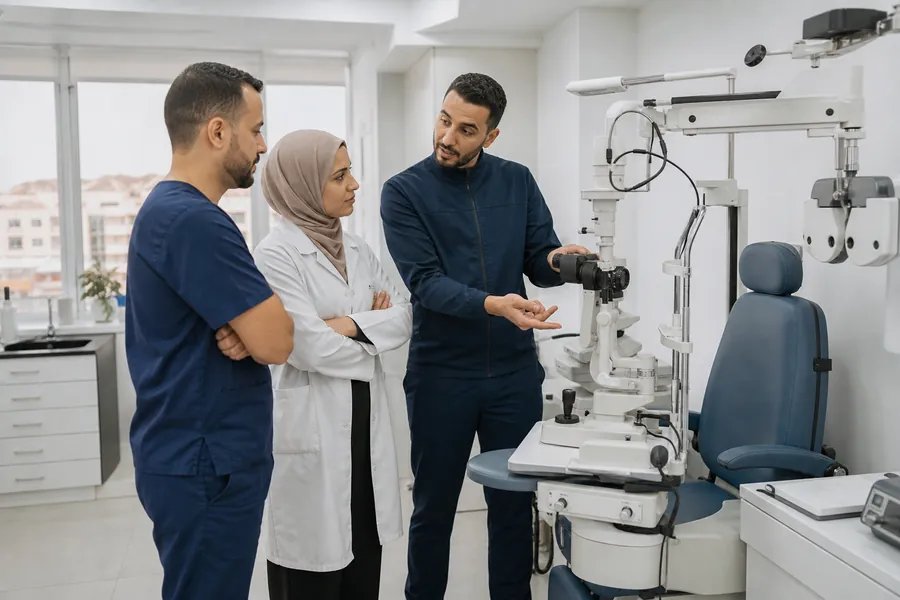

After-sales service
Contact ASEM for technical assistance and the support appropriate to your equipment.
Learn more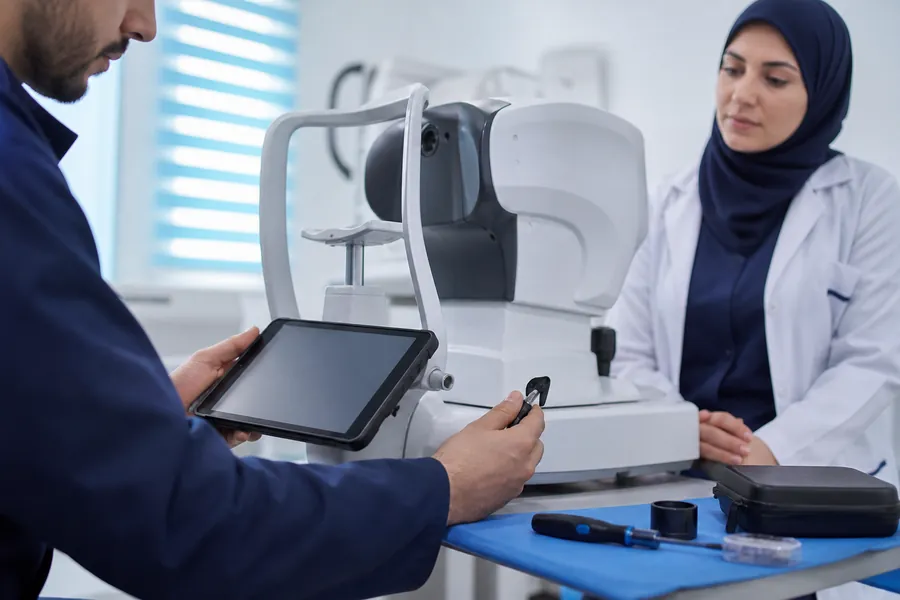

Clinical applications
Explore the ASEM clinical catalogue
Browse related areas of the ASEM catalogue. These links do not extend the indications of this device.
Explore all products