
Easyvisus Two
Refraction unit organised for 2 examination instruments.
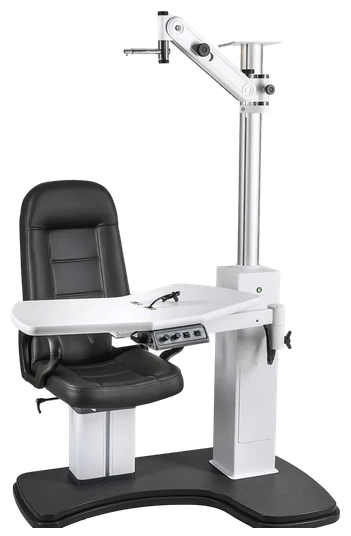
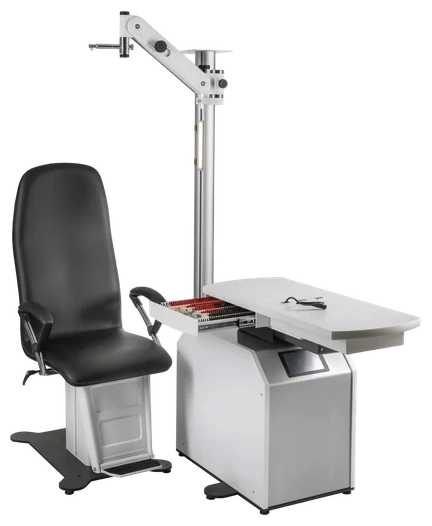
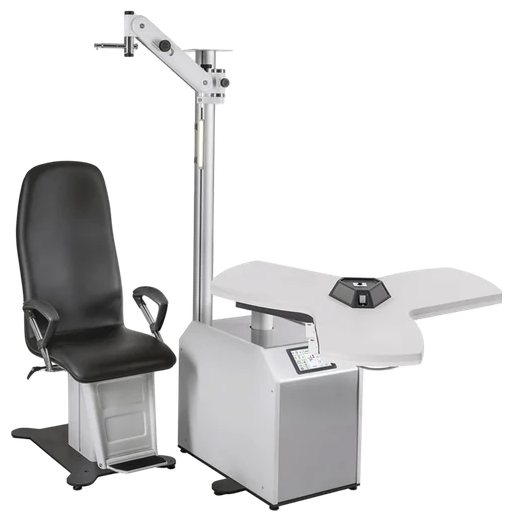
Easyvisus Two is a refraction unit with a fixed-height V-shaped table for two instruments. A dedicated mechanism centres the instruments, and the table arm locks mechanically. The electrically height-adjustable PRIMA chair, LED reading light and foldaway dust-protected drawer are documented standard features. The fixed table must not be described as vertically motorised.
Key advantages
The documented strengths of Easyvisus Two, at a glance.
2-instrument station
Tabletop organised for 2 examination instruments.
Instrument centring
V-shaped tabletop with an instrument centring mechanism.
Electrically adjustable chair
PRIMA chair with electrical height adjustment.
Organise two instruments
The official Easyvisus Two configuration brings two instruments together on a compact station.
Prepare the space
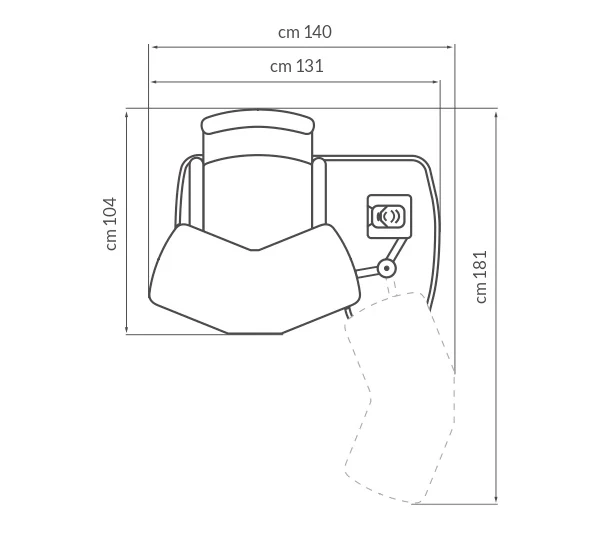
The dimensioned drawing supports planning of the footprint and worktop movement.
Choose the finish
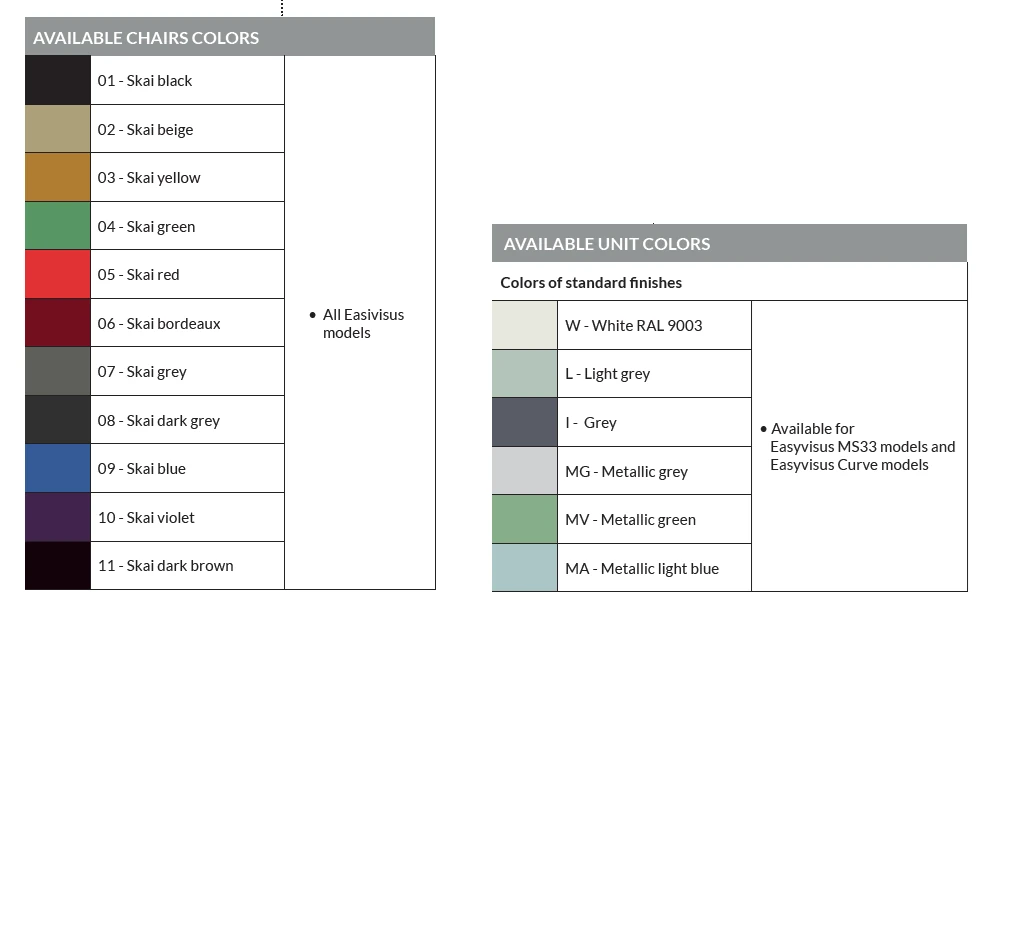
The manufacturer palette documents available finishes for integrating the station into the practice.
Capabilities in practice
A closer look at the functions and technology of Easyvisus Two.
Designed for a smoother workflow
A table for the selected instruments
Standard reference 400102 has a fixed-height V-shaped table for two instruments with a dedicated centring mechanism. The manufacturer does not describe an electrically height-adjustable rotating or sliding table here. The foldaway dust-protected drawer is intended for an ophthalmoscope and skiascope; these instruments are not assumed to be included. Left-handed 400102S is optional.
Documented controls and positioning
The table arm locks mechanically in all positions. This differs from the electromagnetic locking of Curve, RM64 and MS33 units. Electric height adjustment belongs to the standard PRIMA chair, not the V-shaped tabletop. Instrument centring must suit the devices selected in the ASEM quotation. Chair foot control is listed as an optional accessory.
Designed for daily practice
Explore the documented features and practical configuration of Easyvisus Two.
Standard chair and optional accessories
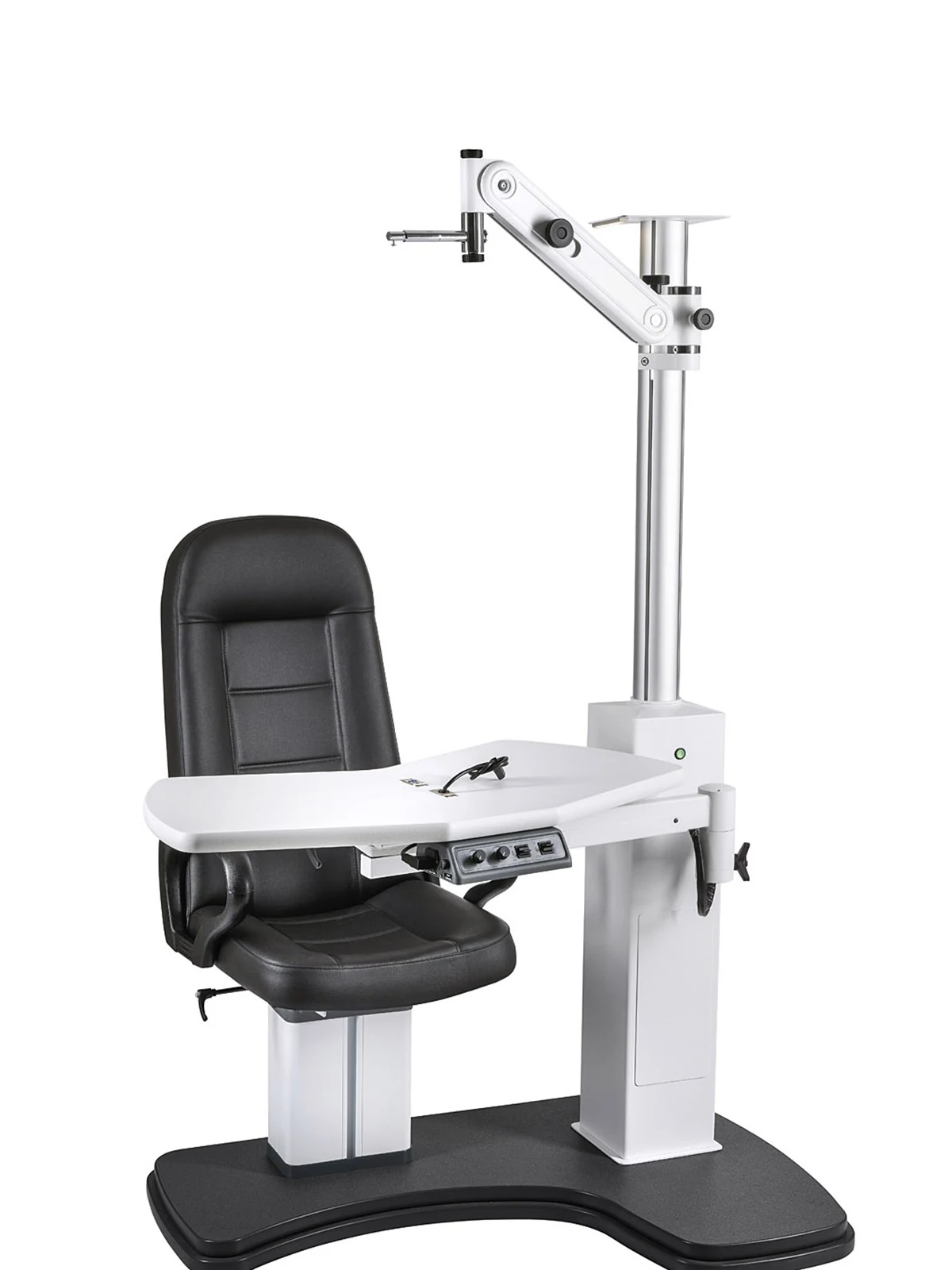
The standard PRIMA has electric height adjustment and black skai upholstery without a footrest. A tip-up footrest, other coverings and replacement with another chair model are documented options. Chair versions must be confirmed in the ASEM quotation. Original photographs may show a footrest, phoropter arm or other optional accessories; visibility does not establish inclusion. Illustrated instruments and accessories must be identified separately.
Lighting and instrument power supply
A transformer for instrument power supply is documented. The aluminium pole has an LED reading light and a chart projector support plate. The brochure does not give complete-unit input voltage or frequency here; the 230 V instrument supply documented for One is therefore not copied to Two. Powered instruments and their requirements must be confirmed with ASEM.
Installation and configuration choice
The drawing is specific to reference 400102 and shows separate layout measurements. They are not merged into overall dimensions, adjustable height or motorised travel. Weight is not given on these pages. Right- or left-handed layout, clearances, chair and accessories must be specified for the practice. A phoropter arm or footrest visible in a photograph is not advertised as included by default.
Technical information
Technical specifications & documentation
Product information, specifications and available documentation in one place.
Product specifications overview
Key documented information for this exact model.
- Brand
- F.I.S.O.
- Model
- Easyvisus Two
- Technology
- Refraction unit
- Clinical use
- Specialised technologies
Technical specifications
- Instrument capacity
- 2
- Chair height
- Electric adjustment; Prima chair as standardOptional footrest and other chairs are not assumed installed.
- Table height
- Fixed height
- Table locking
- Refractor arm: mechanical locking
- Table movement
- V-shaped table; centring mechanism
- Workstation lighting
- LED reading light
Optional footrest and other chairs are not assumed installed.
Downloads & resources
Available product sheets and public manufacturer resources.
Sources and documentation
- https://www.fiso.info/en/products/refraction_units/easyvisus-two_454/Verified on 2026-10-05
- https://www.fiso.info/en/products/refraction_units/easyvisus-two_454/Verified on 2026-10-06
- https://www.fiso.info/dynatc/brochure-0497-2d40/frastema_cat-fiso_16luglio_2025_med.pdfVerified on 2026-10-06
- https://www.fiso.info/en/products/refraction_units/easyvisus-two_454/Verified on 2026-10-17
- https://www.fiso.info/en/products/refraction_units/easyvisus-two_454/Verified on 2026-08-30
- https://www.fiso.info/dynatc/brochure-0497-2d40/frastema_cat-fiso_16luglio_2025_med.pdfVerified on 2026-10-18
Frequently asked questions
Your questions about Easyvisus Two
Clear answers based on the available product information.

What is the documented Instrument capacity of Easyvisus Two?
What is the documented Chair height of Easyvisus Two?
Electric adjustment; Prima chair as standard — Optional footrest and other chairs are not assumed installed.
View sourceWhich configuration should I confirm for Easyvisus Two?
Optional footrest and other chairs are not assumed installed.
View sourceWhere can I find the documentation for Easyvisus Two?
Manufacturer documentation (PDF) — https://asem-medical.com/storage/catalogue-enrichment/fiso-20261006/fiso-original-2025.pdf
View sourceWhich table shape and height are documented?
Easyvisus Two 400102 uses a fixed-height V-shaped table for two instruments, with an instrument-centering mechanism.
View sourceWhich locking mechanism is documented?
The brochure specifies mechanical table-arm locking in all positions. Electromagnetic locking from other units is not attributed to this model.
View sourceIs a left-handed layout available?
The brochure documents optional left-handed 400102S. The chair and accessories must be specified when selecting the configuration.
View sourceASEM support
More than a device, a long-term partnership
Discuss your project with ASEM: equipment selection, installation, training and technical support.
Installation
Discuss the installation requirements and configuration with our technical team.
Learn more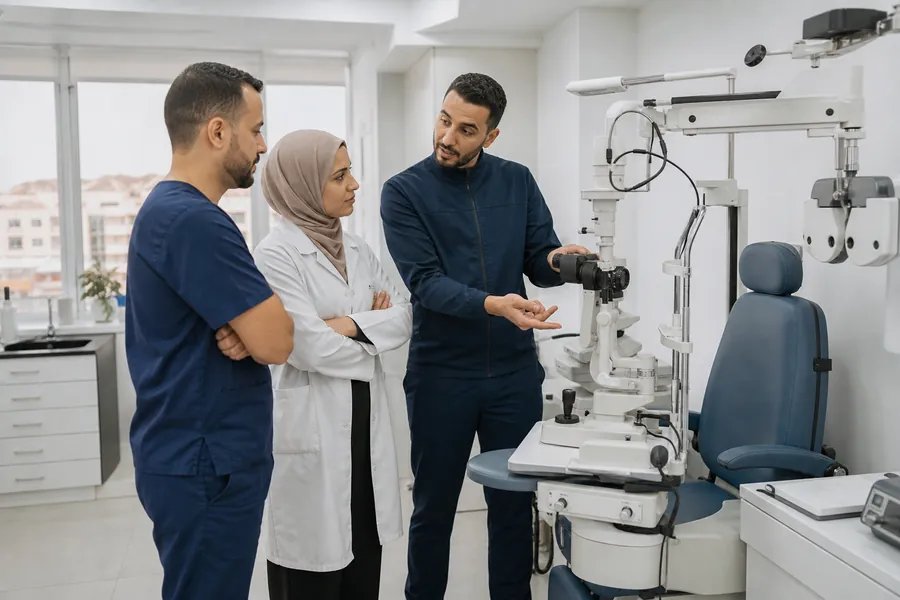

After-sales service
Contact ASEM for technical assistance and the support appropriate to your equipment.
Learn more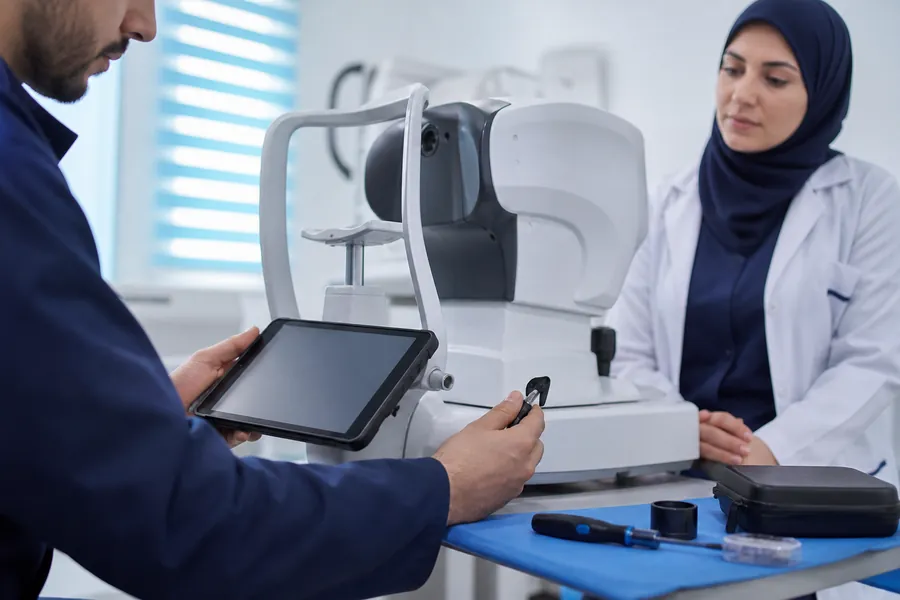

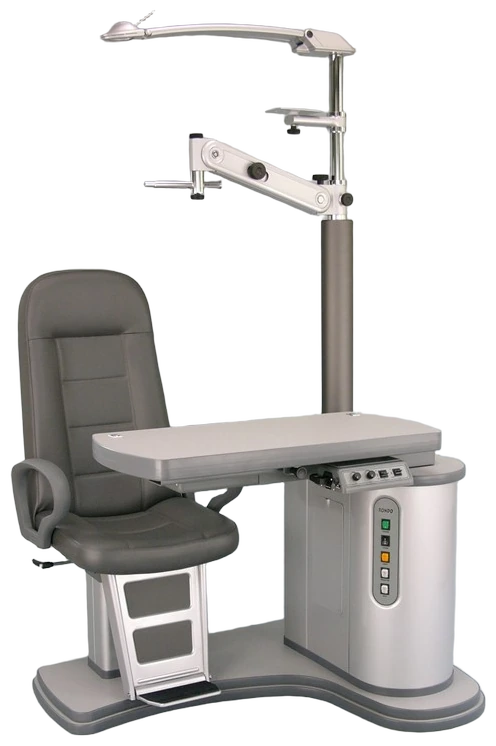
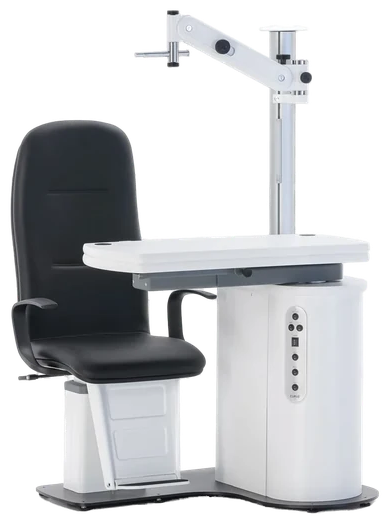
Related products
Explore equipment with related technologies and clinical uses.
Clinical applications
Explore the ASEM clinical catalogue
Browse related areas of the ASEM catalogue. These links do not extend the indications of this device.
Explore all products