
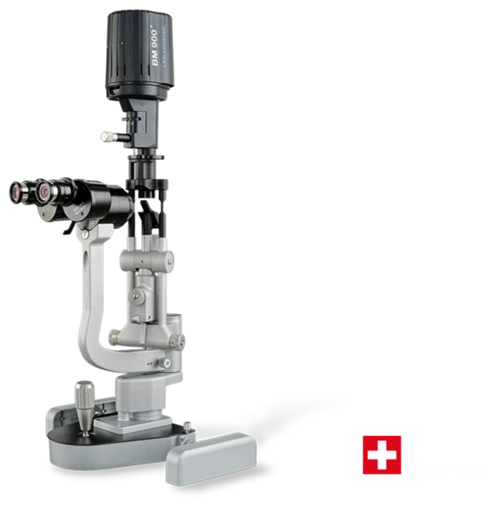
BI 900
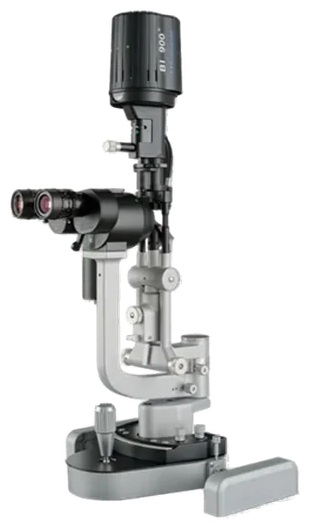
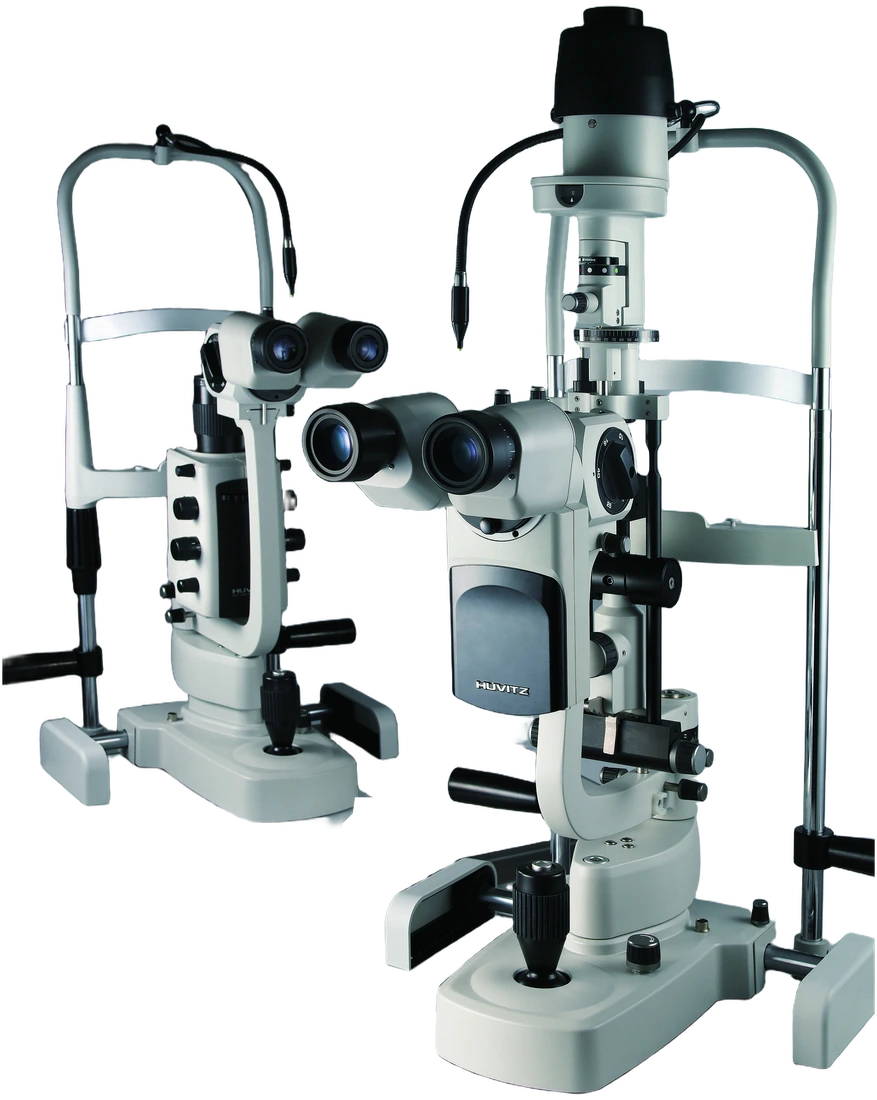
Slit lamp with a Kepler microscope, two magnifications and LED illumination.
Main features • Premium design and high-quality materials. • Developed through advanced Swiss engineering (2025). • Smooth, precise and effortless movement. • Long service life, including with intensive use. ________________________________________ • Reliable performance through Swiss mechanical quality. • Designed for demanding professional requirements.
Key advantages
The documented strengths of BI 900, at a glance.
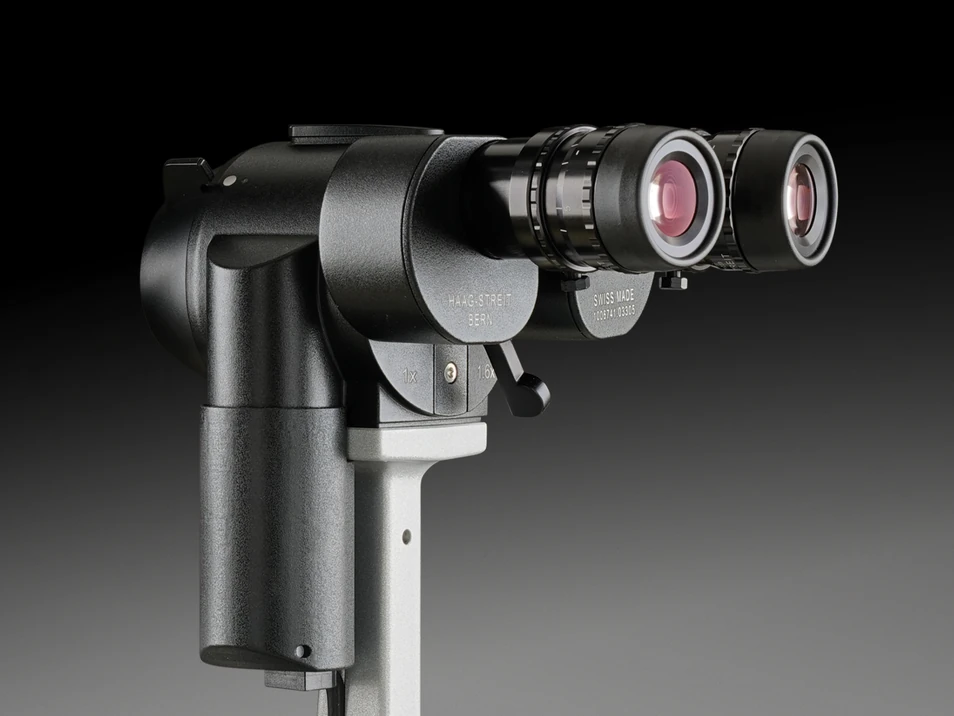
Kepler microscope optics
Two magnifications, 10× and 16×, for slit-lamp viewing.
Integrated contrast filter
Integrated contrast-enhancing filter for routine exams.
Slit-lamp imaging options
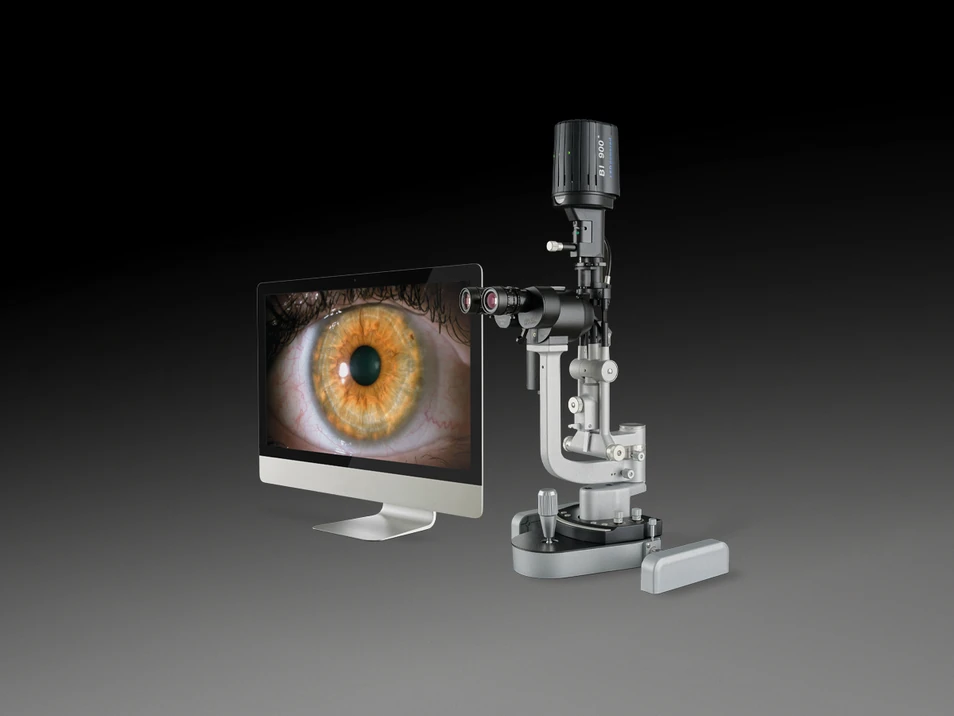
Document examinations using the BI 900 Imaging Set.
Optional imaging set
Observe every day
BI 900 optics are designed for routine anterior-segment examination.
Simplify operation
Essential controls remain grouped around a compact station.
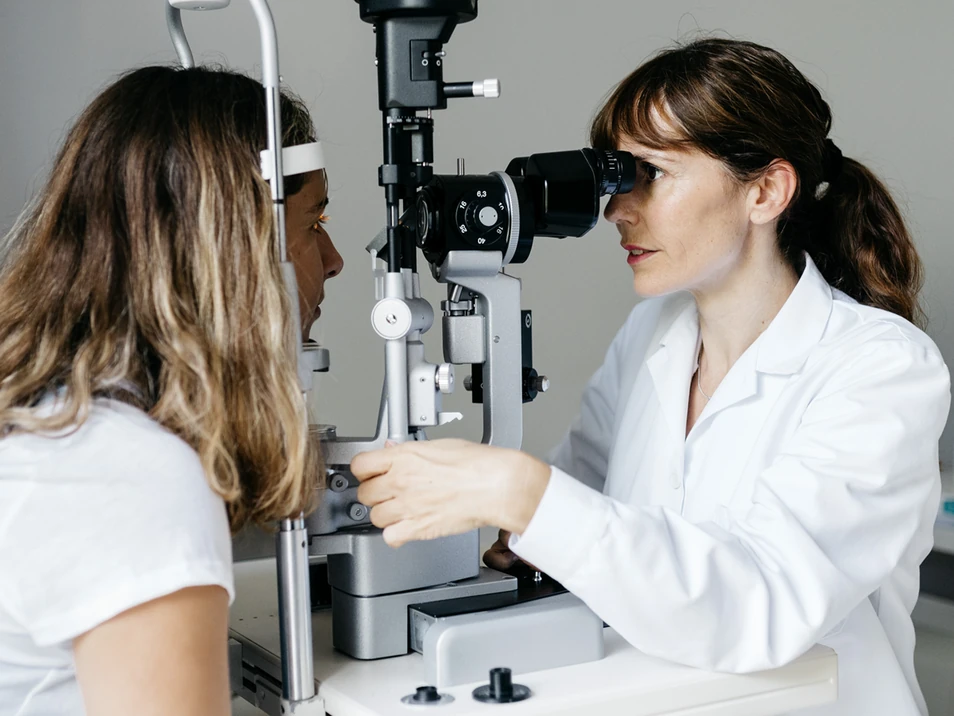
Manufacturer illustration: the configuration shown may differ from the delivered configuration.
Document observations
The imaging option integrates capture into the examination workflow.
Capabilities in practice
A closer look at the functions and technology of BI 900.
Two examination magnifications
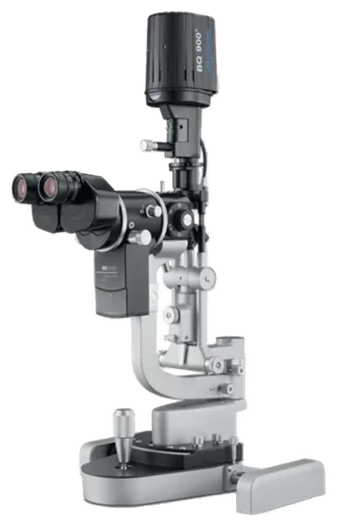
The Kepler microscope provides 10× and 16×. This two-step configuration differs from the BQ 900 five-step Galilean microscope.
10×/16× with standard eyepieces; 25×/40× with optional eyepieces.
View sourceEnhance observation contrast
BI 900 incorporates a contrast-enhancing filter. The source describes modernised illumination combined with its Kepler microscope and slit controls.
View sourceDesigned for a smoother workflow
Document with the BI 900 kit
Imaging Set BI 900 is the compact imaging solution offered for this model. IM910 functions must not be attributed to it automatically.
Optional imaging kit.
Designed for daily practice
Explore the documented features and practical configuration of BI 900.
Position lamp and patient
The mechanical base and broad ocular access support examination. The table and headrest must be selected as part of the workstation.
Manufacturer illustration: the configuration shown may differ from the delivered configuration.
Add dedicated tonometry
AT 900 is presented as an associated tonometry accessory. Its variant, mounting and inclusion must be specified in the configuration.
Separate accessory, not assumed included.
View sourceMore product details
The Haag-Streit BI-900 slit lamp
Goldmann 900 slit lamp (since 1958). More than 150,000 units sold worldwide. A historical reference in ophthalmology. Swiss manufacturing.
Swiss precision mechanics
• Manufacturer's warranty extended to 10 years, reflecting confidence and quality. • Reduced maintenance: designed to limit technical intervention. • A cost-effective long-term solution. • Suited to ophthalmic practices and clinics. • Proven reliability and reduced maintenance costs.
Integrated digital imaging system
Optical quality supports clinical observation and high-quality digital imaging.
Magnification
Immersive magnification
Image quality
Observation and digital imaging
Corneal view
Sharpness and contrast
Filters
Essential filters • High-resolution interface. • Adjustable for prolonged examinations.
Applanation tonometer
Goldmann AT 900 tonometer • Designed for Haag-Streit. • A worldwide reference for IOP measurement. • More than 50 years of clinical use. • Precision and reliability established through decades of practice. • Repeatable measurements and consistent results.
Technical information
Technical specifications & documentation
Product information, specifications and available documentation in one place.
Product specifications overview
Key documented information for this exact model.
- Brand
- Haag-Streit
- Model
- BI 900
- Technology
- Slit lamp
- Clinical use
- Diagnostics and biometry
Technical specifications
- Magnifications
- 10× · 16×Standard configuration; optional accessories excluded.
- Number of magnifications
- 2Standard configuration; optional accessories excluded.
- Slit width
- 14 mm
- Slit length
- 14 mm
- Microscope optics
- Keplerian
- Filters
- Blue · Red-free green · Grey 10 %
- Illumination
- LED
- Adjustment ranges
- Longitudinal 100 mm; lateral 100 mm; vertical 30 mm
- Power supply
- 100–240 V AC ; 50–60 Hz
- Dimensions
- 310 × 332 × 700 mmLength × width × height; excluding packaging.
- Weight
- 12 kgWithout power supply, headrest or options.
Standard configuration; optional accessories excluded.
Length × width × height; excluding packaging.
Without power supply, headrest or options.
Downloads & resources
Available product sheets and public manufacturer resources.
No public manufacturer document has been verified for this model. Contact ASEM for the available documentation.
Sources and documentation
- https://haag-streit.com/2%20Products/General%20diagnostics/Slit%20lamps/BI%20900/Brochures/English/HS_bi_900_br_7220508_technical_specifications.pdfVerified on 2026-10-04
- https://us.haag-streit.com/products/categories/general-diagnostics/slit-lamps/bi-900Verified on 2026-10-04
- https://us.haag-streit.com/products/categories/general-diagnostics/slit-lamps/bi-900Verified on 2026-10-17
- https://www.haag-streit.com/en/products/categories/general-diagnostics/slit-lamps/bi-900Verified on 2026-08-30
- https://haag-streit.com/2%20Products/General%20diagnostics/Slit%20lamps/BI%20900/Brochures/English/HS_bi_900_br_7220508_technical_specifications.pdfVerified on 2026-10-18
- https://haag-streit.com/en/products/categories/general-diagnostics/slit-lamps/bi-900Verified on 2026-10-18
- https://haag-streit.com/en/products/categories/general-diagnostics/slit-lamps/bi-900Verified on 2026-10-18
- https://haag-streit.com/en/products/categories/general-diagnostics/slit-lamps/bi-900Verified on 2026-10-18
- https://haag-streit.com/en/products/categories/general-diagnostics/slit-lamps/bi-900Verified on 2026-10-18
- https://haag-streit.com/2%20Products/General%20diagnostics/Slit%20lamps/BI%20900/Brochures/English/HS_bi_900_br_7220508_technical_specifications.pdfVerified on 2026-10-18
- https://haag-streit.com/en/products/categories/general-diagnostics/slit-lamps/bi-900Verified on 2026-10-18
Frequently asked questions
Your questions about BI 900
Clear answers based on the available product information.

What is the documented Magnifications of BI 900?
10× · 16× — Standard configuration; optional accessories excluded.
View sourceWhat is the documented Number of magnifications of BI 900?
2 — Standard configuration; optional accessories excluded.
View sourceWhich configuration should I confirm for BI 900?
Standard configuration; optional accessories excluded.
View sourceCan BI 900 provide 25× or 40×?
The data sheet allows this with optional eyepieces; standard magnifications are 10× and 16×.
View sourceWhich imaging kit is named for BI 900?
The manufacturer names the optional Imaging Set BI 900, distinct from other lamps’ modules.
View sourceASEM support
More than a device, a long-term partnership
Discuss your project with ASEM: equipment selection, installation, training and technical support.
Installation
Discuss the installation requirements and configuration with our technical team.
Learn more

After-sales service
Contact ASEM for technical assistance and the support appropriate to your equipment.
Learn more

Related products
Explore equipment with related technologies and clinical uses.
Clinical applications
Explore the ASEM clinical catalogue
Browse related areas of the ASEM catalogue. These links do not extend the indications of this device.
Explore all products