
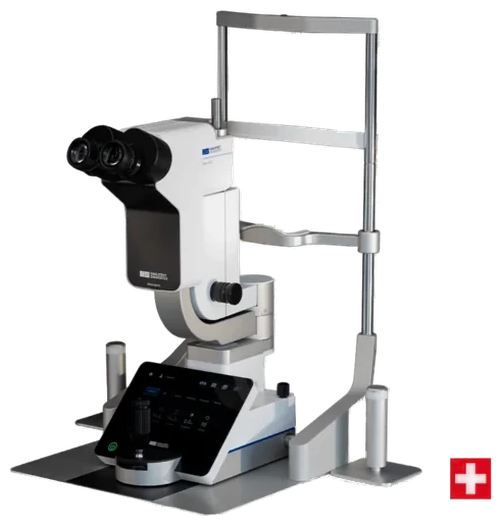
HS-7000
Galilean slit lamp with five magnification levels.
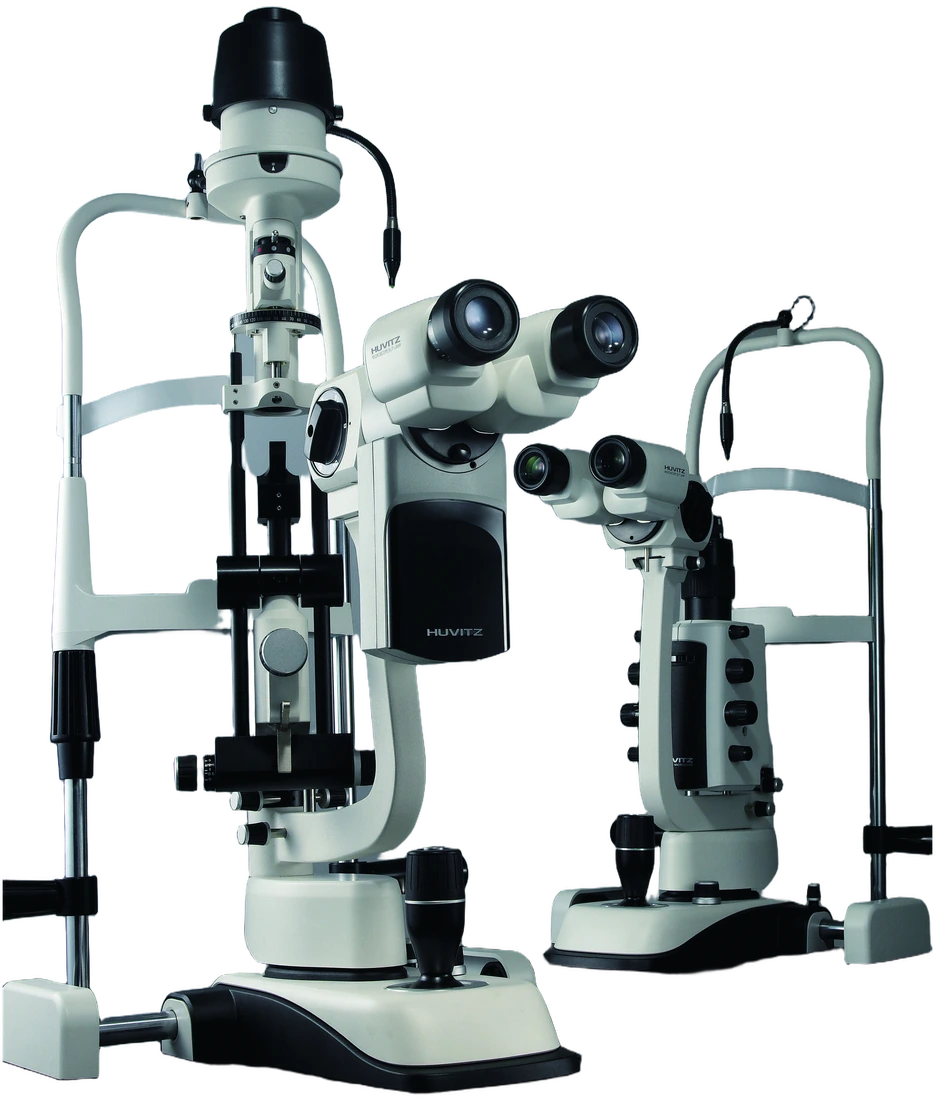
The Huvitz HS-7000 is a tower-illumination slit lamp for anterior segment observation. Its Galilean converging binocular microscope offers five magnification positions. Filters and slit adjustments support different examination conditions. HIS-5000 imaging can complement the lamp depending on the chosen configuration; it is not listed as standard included equipment.
Key advantages
The documented strengths of HS-7000, at a glance.
Five magnifications
6×, 10×, 16×, 25×, 40× to adapt the examination view.
Examination slit
Slit opening up to 14 × 14 mm.
Observation filters
Cobalt blue and green filters for examination.
Capabilities in practice
A closer look at the functions and technology of HS-7000.
Five observation magnifications
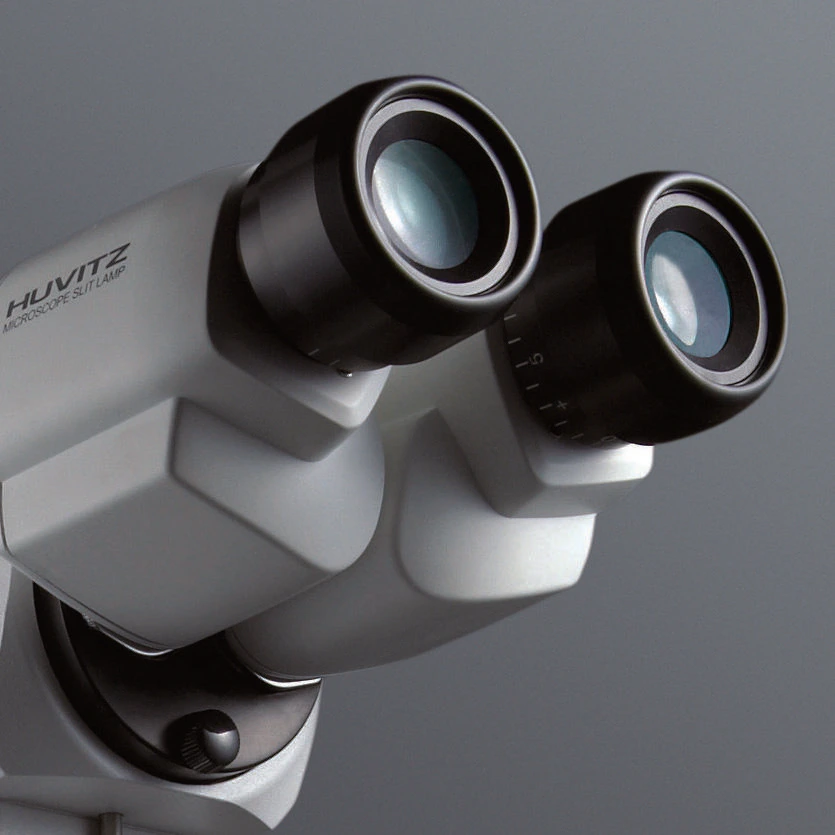
The HS-7000 Galilean binocular microscope provides 6×, 10×, 16×, 25×, 40×. The drum selects the field used for observation.
- Galilean binocular microscope with a five-position drum.
- Interpupillary adjustment from 55 to 80 mm.
Select the observation filter
The filter range adapts illumination to the observation selected by the practitioner.
- Cobalt-blue, red-free, grey and heat-absorption filters.
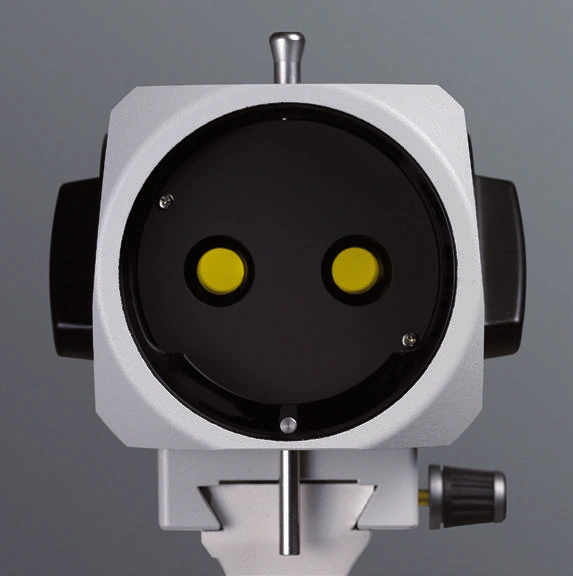
- Yellow filter near the eyepieces for fluorescein.
Designed for a smoother workflow
Tower illumination with indexed positions
HS-7000 uses tower illumination with incidence positions at 0°, 5°, 10°, 15° and 20°. The stated working distance is 80 mm.
- Continuous slit width from 0 to 14 mm.
- Length from 0.3 to 14 mm; rotation from 0° to 180°.
Adjust the examination position
The joystick controls base movements while positioning the slit lamp.
- Vertical travel: 30 mm.
- Longitudinal and lateral travel: 100 mm each.
Product gallery
Designed for daily practice
Explore the documented features and practical configuration of HS-7000.
Add image documentation
An HIS-5000 imaging configuration can add joystick capture, comparison and reporting. These functions are not attributed to the stand-alone slit lamp.
Optional
- Joystick capture when the imaging system is connected.
- Capture, comparison and reports in HIS-5000.
Compare and document with HIS-5000
The optional imaging system organises images and allows comparison in the record.
Optional
- Image enlargement, rotation and overlay.
- Word export, printing and DICOM communication.
Technical information
Technical specifications & documentation
Product information, specifications and available documentation in one place.
Product specifications overview
Key documented information for this exact model.
Technical specifications
- Magnifications
- 6× · 10× · 16× · 25× · 40×
- Number of magnifications
- 5
- Slit width
- 14 mm
- Slit length
- 14 mm
- Microscope optics
- Convergent binocular Galilean microscope
- Filters
- Cobalt blue · Red-free · Grey · Heat protection · Yellow
- Illumination
- Halogen 12 V, 30 W; LED version depending on configuration
- Software
- HIS-5000 optional, separate from the slit lamp
- Adjustment ranges
- Vertical 30 mm; longitudinal and lateral 100 mm; interpupillary distance 55–80 mm
- Power supply
- 100–240 V AC ; 50/60 Hz
Downloads & resources
Available product sheets and public manufacturer resources.
Sources and documentation
- https://huvitz.com/wp-content/uploads/2025/02/HS-Series_12p_eng_240603.pdfVerified on 2026-10-06
- https://www.huvitz.com/product/hs-series/Verified on 2026-10-06
- https://huvitz.com/wp-content/uploads/2025/02/HS-Series_12p_eng_240603.pdfVerified on 2026-10-18
Frequently asked questions
Your questions about HS-7000
Clear answers based on the available product information.

What is the documented Magnifications of HS-7000?
6× · 10× · 16× · 25× · 40×
View sourceWhat is the documented Number of magnifications of HS-7000?
Where can I find the documentation for HS-7000?
Manufacturer documentation (PDF) — https://asem-medical.com/storage/catalogue-enrichment/huvitz-20261006/hs-series-original.pdf
View sourceIs the LED version always included?
The brochure distinguishes halogen and LED configurations. The light source and any imaging system must be specified for the ordered model.
View sourceHow can the slit be adjusted?
Width varies from 0 to 14 mm, length from 0.3 to 14 mm and rotation from 0° to 180°. Incidence depends on the tower or integrated variant.
View sourceDoes the stand-alone lamp provide capture and reports?
Those functions belong to the optional HIS-5000 system. Camera, software and computer must be defined in the selected configuration.
View sourceASEM support
More than a device, a long-term partnership
Discuss your project with ASEM: equipment selection, installation, training and technical support.
Installation
Discuss the installation requirements and configuration with our technical team.
Learn more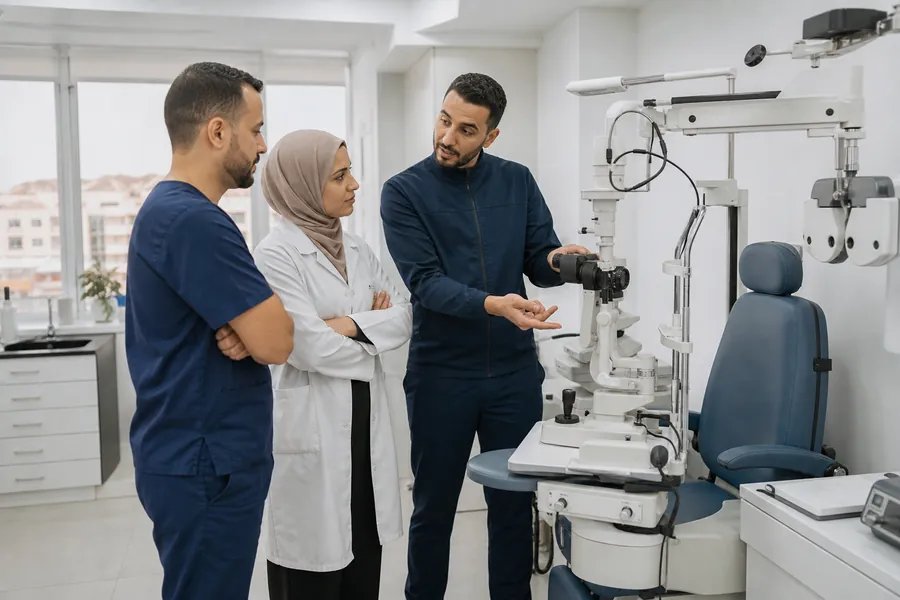

After-sales service
Contact ASEM for technical assistance and the support appropriate to your equipment.
Learn more

Related products
Explore equipment with related technologies and clinical uses.
Clinical applications
Explore the ASEM clinical catalogue
Browse related areas of the ASEM catalogue. These links do not extend the indications of this device.
Explore all products